
AI coding, without the
noiseand lock-in.
Chat or talk with the major AI models, edit code, and see it live. A calm desktop app that keeps every conversation, file, and key on your own computer.
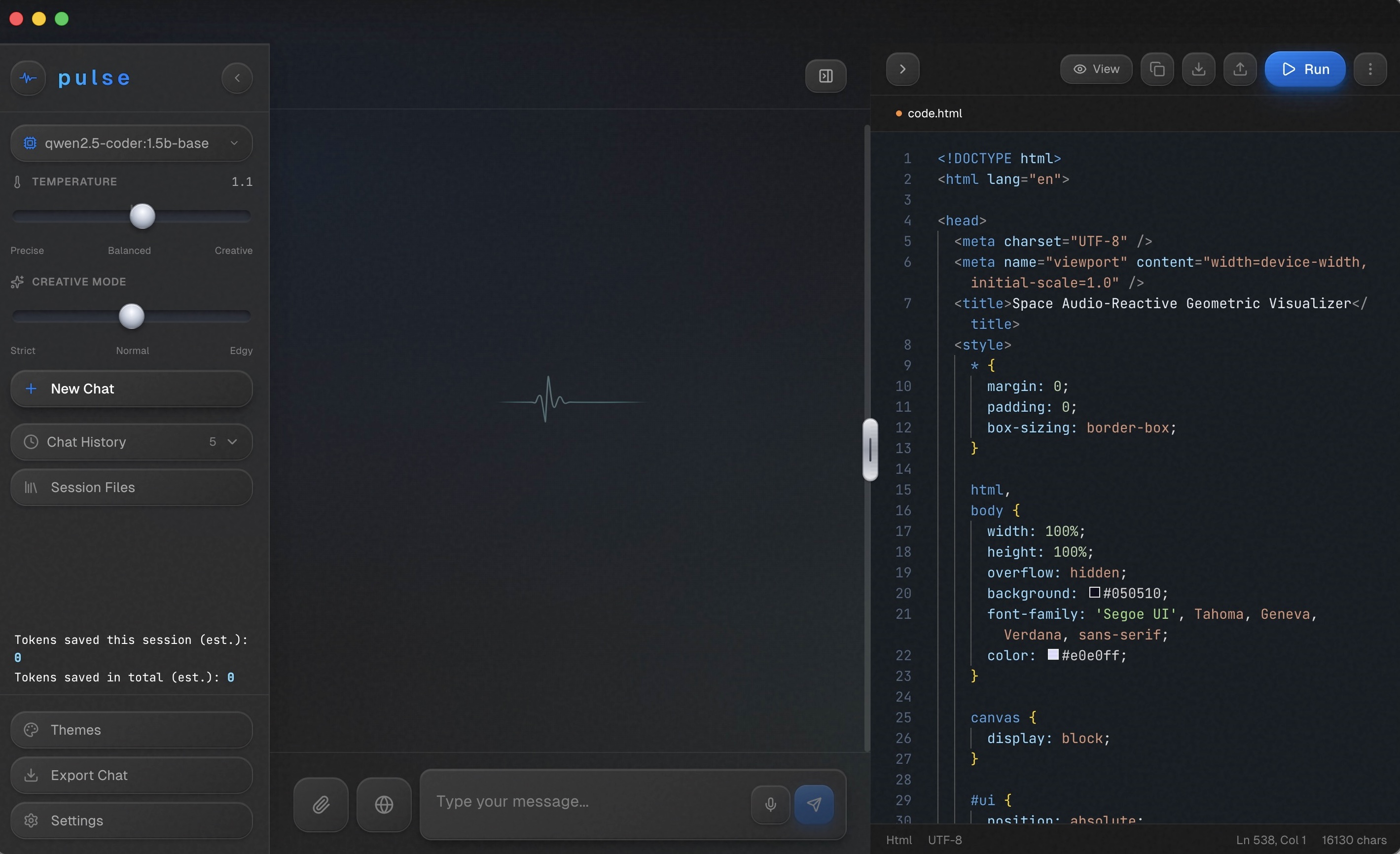
You choose the model your key provides. Switch models anytime from the sidebar without losing conversation state.
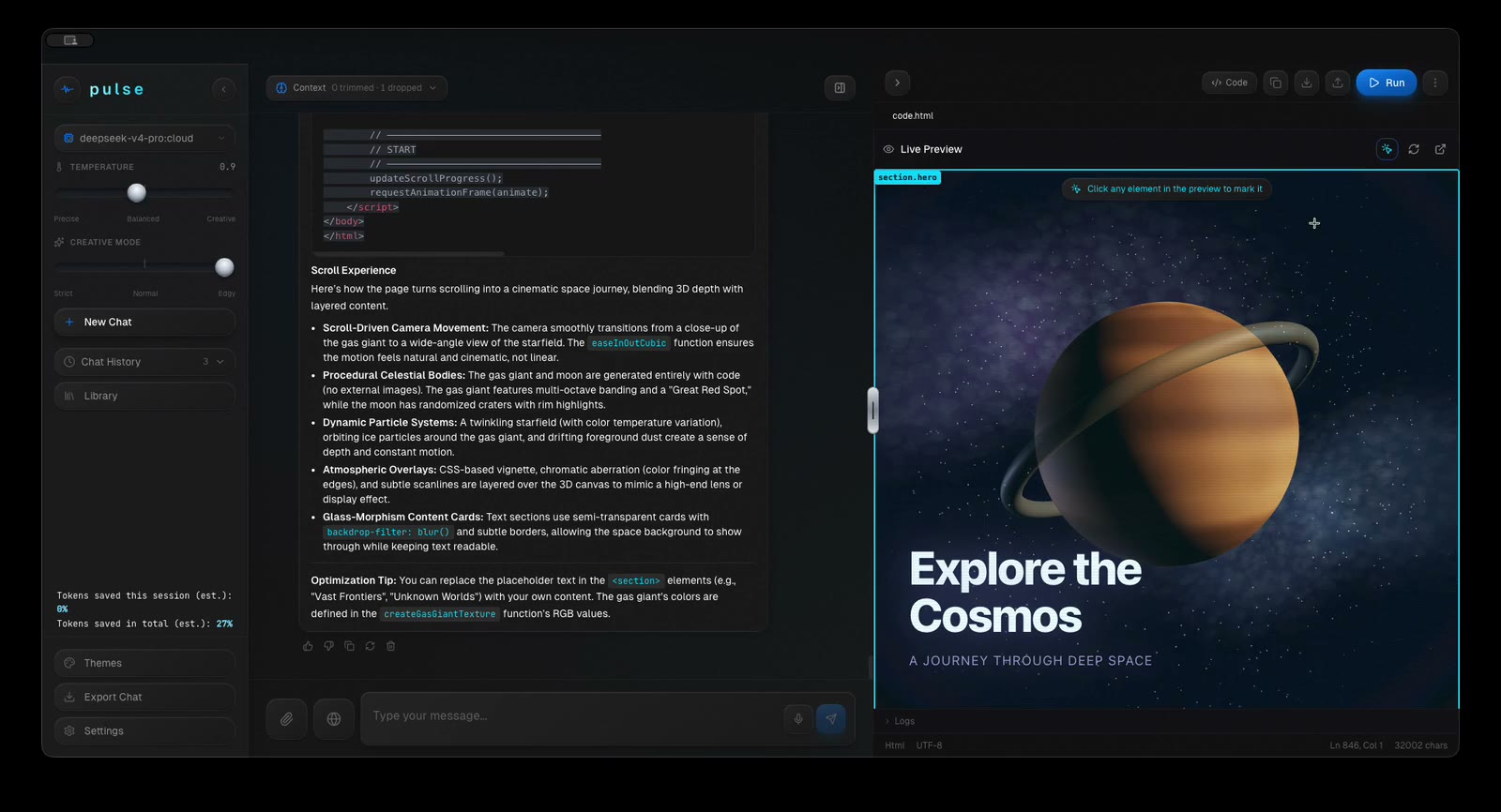
Clean code editor with live rendering. Click any element in preview to leave point-to-edit notes for the AI.
Invisible compaction, prompt caching, and optional model routing reduce token spend by 60%–75%.
Multi-Provider Support
One workspace for all your AI providers.
Connect your accounts and switch anytime. Turn on optional Smart Model Routing in Settings to automatically route simpler tasks to cheaper companion models.
Built For Vibecoders & Beginners
The add-on trap: more plugins,
more token burn, less privacy.
You still pay providers for your API tokens — that doesn't vanish. But modern tools pile on plugins, MCP servers, connectors, and agent toolchains that quietly incinerate your token budget and route your private code through third parties. Pulse strips all of that noise away.
Plugins, MCPs & Subscription Wrappers
- Hidden token consumption: Every plugin, MCP server, and skill injects heavy tool schemas and background reflection loops into your prompt, draining your tokens on every call.
- Compromised privacy: Every connector is another third party your code, queries, and project context travel through.
- Dangerous for learners: When you're learning, you make mistakes — pasting an API key or password into example code. With 10 active connectors, those leaks escape to multiple services.
- Setup rabbit holes: Hours spent troubleshooting agent frameworks, runtime errors, and plugin marketplaces instead of just writing code.
Focused, Direct & Local
- Completely local & never phones home: Once bought and downloaded, Pulse is not a cloud service. It has no Pulse servers, collects zero telemetry, and runs entirely on your own machine.
- Deliberately no add-on bloat: No plugin marketplace, no MCP servers, no agent stores. That is an architectural safety feature, keeping your workspace fast and quiet.
- Zero third parties in the middle: Your words go directly to the provider you choose using your key (or nowhere with Ollama). Fewer doors = fewer leaks.
- Quiet token optimization: Instead of bloating calls with tool schemas, Pulse cuts waste before sending: context selection, compaction, and prompt caching.
- Built for vibecoders & beginners: You don't need a degree in agent frameworks. Open Pulse, pick a model, chat, code, preview, and talk. That's the whole app.
Why a minimal surface is the best safety feature for beginners
When you're first learning to code with AI, it's easy to paste an API key in the wrong box, leave a live password in sample code, or share a file containing sensitive credentials. Every plugin and connector in typical AI platforms is another vector for those mistakes to leak. In Pulse, there are no middleman servers or third-party add-ons: your data stays on your machine, your keys stay in your OS vault, and requests go only where you direct them.
Point, pin, and edit in the live preview.
No more copying back and forth or explaining which button is broken. Pulse includes a built-in code editor and live browser preview side-by-side with chat.
Visual Inspector Crosshair
Click the crosshair directly over your running preview to inspect any UI element.
Multi-Element Pinning
Pin as many buttons, headings, or cards as you need. Type notes on each simultaneously.
One-Shot AI Execution
Click Send to AI — Pulse bundles your visual references and updates the code in place.
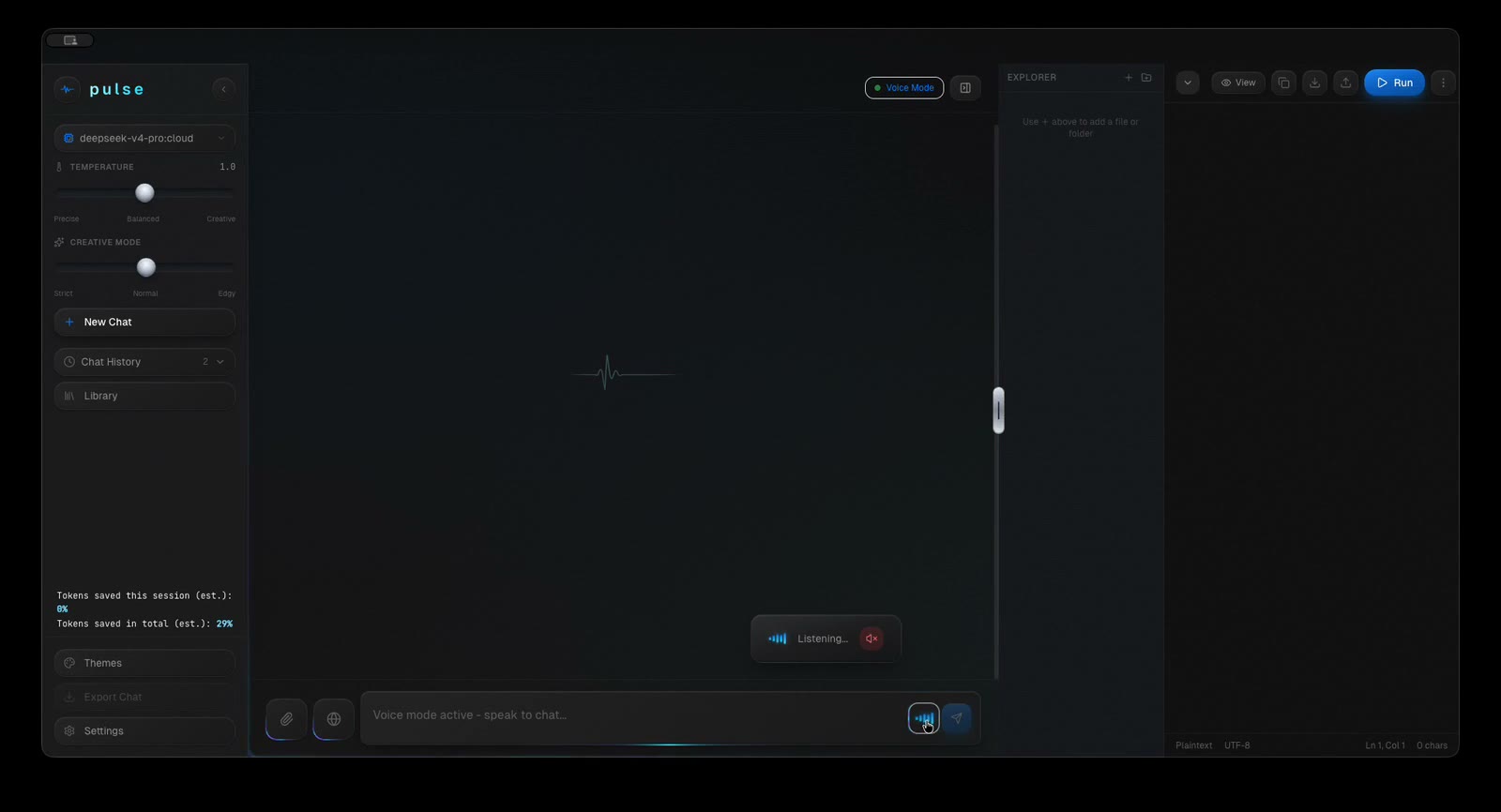
Natural voice mode.
Zero setup. Just talk.
Most AI voice solutions either give you robotic browser speech or charge per character while recording your voice in the cloud. Other local TTS tools force you to battle Python environments, CUDA libraries, and server processes.
Pulse quietly downloads the lightweight Kokoro TTS model (~92 MB) and dictation engine in the background, wires up the local backend pipeline automatically, and sets everything up. You do zero configuration — simply pick a voice from the menu and start talking.
- Zero Python, zero terminal: Native background configuration with zero user intervention.
- Bidirectional local audio: Whisper for voice input + Kokoro for natural voice output.
- 100% private & offline: Your voice never leaves your machine. No cloud audio fee.
Autonomous Cost Reduction
Invisible token savings.
60%–75% less waste.
Long AI conversations usually explode in token cost because older messages are re-sent in full on every turn. Pulse introduces a silent multi-tier compression layer.
Context Selection
Only the relevant turns and snippets needed for the current question are sent to the model, ignoring idle context.
History Compaction
Older messages are condensed into high-density semantic summaries instead of ballooning the request token payload.
Code Skeletonization
Large source files are summarized to structural signatures (classes, functions, types) when full details are redundant.
Prompt-Cache Reuse
Takes maximum advantage of Anthropic and OpenAI prompt caching, paying up to 90% less for cached input blocks.
Response Caching
Identical or repeated questions in the workspace pull instant local results without incurring additional provider bills.
Smart Model Routing
Turn on in Settings to automatically route simpler tasks and minor edits to faster, lower-cost companion models in the same provider family.
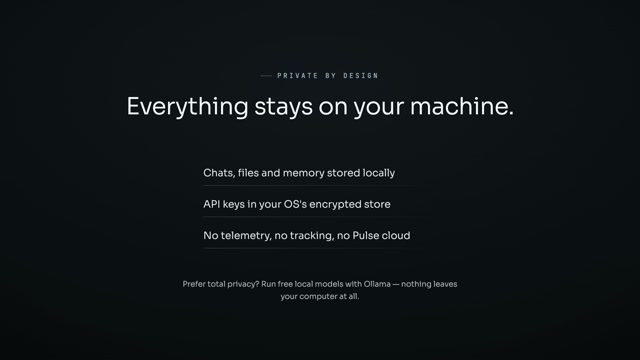
Pulse has no server.
It cannot track you.
There are no analytics SDKs, no PostHog, no Sentry, no telemetry, and no Pulse cloud database. Your prompts go directly to the provider you choose using your key — nowhere else.
Honest Software
One price. Unlimited coding.
Pay once and keep it on your machine. No monthly invoices, no sudden price hikes.
macOS & Windows included
Instant download after purchase · Direct email support
Questions & Answers
Frequently asked questions.
Craft software for people who care about details.
Pulse is the flagship desktop project from builtbyangelo.co. More tools, shaders, and experimental local AI workspaces are in active development.